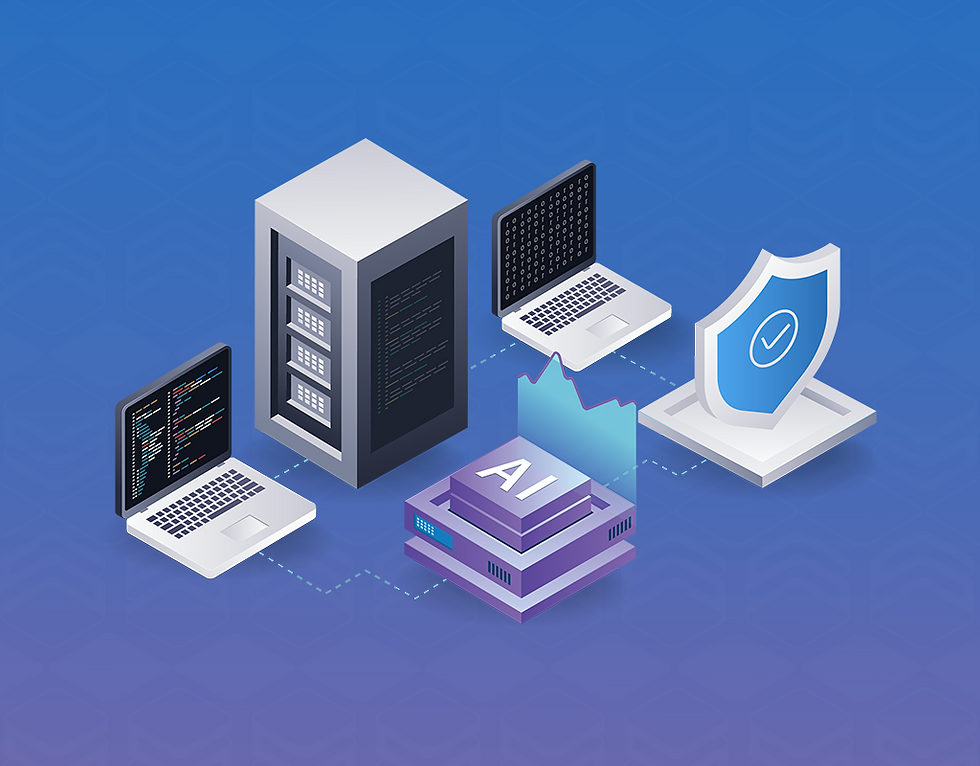
Salesforce Backup and Recovery in the Age of AI-Driven Data Changes

AI automation is rapidly changing how companies manage enterprise data. Many organizations now use AI tools, integrations, and automated workflows to update CRM records. These systems improve efficiency and help teams manage large datasets.
However, automation introduces new risks. An incorrect AI workflow can modify thousands of Salesforce records in seconds. A faulty integration can overwrite critical data across multiple objects. A script can delete records during a migration.
When these incidents occur, organizations need to detect the changes quickly and restore the correct data. This is why Salesforce backup and recovery has become a core part of modern enterprise data protection.
Companies need more than simple backups. They need visibility into data activity and tools that allow fast recovery. As awareness of AI-driven mass data change risks grow, organizations need a reliable Salesforce backup and recovery solution in place before an incident occurs — not after.
What Causes Salesforce Data Loss?
Salesforce environments change constantly. Users update records every day. Integrations move data between systems. Automation tools trigger workflows that modify fields or create records. These activities create several common causes of data loss.
Human Error Human error remains one of the most common causes of data loss. Users may accidentally delete records or update the wrong fields. Bulk imports can also introduce incorrect data.
Automation Errors Automation tools can modify large datasets quickly. Workflow rules, AI agents, and integrations can update thousands of records at once. If the automation logic contains an error, it can corrupt large portions of the Salesforce database.
Integration Failures Many organizations connect Salesforce with marketing tools, financial systems, and analytics platforms. These integrations exchange data continuously. A configuration issue can overwrite existing CRM data.
Data Migration Mistakes Companies often migrate Salesforce data during system upgrades or mergers. Migration scripts can introduce errors that affect many records at once.
AI-Driven Data Changes AI tools now perform tasks such as data enrichment, segmentation, and record updates. These tools can modify large datasets quickly. If a workflow produces incorrect output, it can change thousands of records simultaneously. Organizations need to catch these changes quickly to prevent operational disruption.
Why Salesforce Backup and Recovery Is Essential
Many teams assume Salesforce automatically protects their data. However, native tools provide limited backup capabilities. Salesforce focuses primarily on application functionality rather than complete data protection.
Native export tools let organizations download datasets periodically. These exports create copies of data, but they do not provide full recovery capabilities.
Enterprise organizations need more advanced solutions. A strong Salesforce backup solution should provide:
Automated data backup
Metadata protection
Granular restore capabilities
Alerts when data activity is higher than usual
Secure enterprise cloud storage
These capabilities ensure organizations can restore data quickly after incidents.
How AI Automation Changes Data Protection Requirements
AI automation increases the speed and scale of data changes. Traditional CRM environments relied mostly on manual updates. Today, many processes run automatically. Examples include:
AI-driven customer data enrichment
Automated lead scoring
Workflow automation for sales processes
Integration-based record updates
AI-generated recommendations
These systems operate continuously, updating CRM records without direct human involvement. While they improve efficiency, they also increase the potential impact of errors. One incorrect workflow can update thousands of records in minutes. An integration bug can overwrite entire datasets.
As the industry raises awareness about the risks of mass AI-driven data changes, organizations need backup and recovery solutions in place before an incident occurs — not after.
The Importance of Monitoring Data Activity
Detecting large-scale data changes requires visibility into record activity. Organizations need tools that track how records change over time and flag unusual patterns.
Common signals that may indicate a problem include:
Higher Than Usual Record Update Volume A spike in record updates within a short period can signal that something unexpected has happened. Whether automation, an integration, or human activity caused it, an alert gives your team the chance to investigate before the issue spreads.
Bulk Field Changes When the same field changes across a large number of records in a short window, that pattern is worth reviewing. Your team can then confirm whether the change was expected.
Unexpected Record Deletions Integrations or scripts can accidentally delete records. Catching these deletions early gives teams time to act before they affect business operations.
Sudden Metadata Changes Metadata updates can affect workflows, validation rules, or object structures. Monitoring configuration changes helps teams maintain system stability.

How Sesame Software Supports Salesforce Backup and Recovery
Sesame Software Backup and Recovery delivers comprehensive protection for enterprise Salesforce environments. With 30+ years of enterprise data management expertise, Sesame Software helps organizations protect their CRM data and respond quickly when something goes wrong.
Alerts for Unusual Data Activity Sesame Software Backup and Recovery monitors record activity and alerts administrators when modification volumes are higher than usual. The alert tells you an increase has occurred — your team then reviews the activity and determines the cause. This gives organizations the visibility they need to act quickly, whatever the source of the change.
Granular Salesforce Data Recovery Once your team identifies incorrect changes, you need to restore accurate data fast. Sesame Software Backup and Recovery lets administrators restore specific records, objects, or datasets without restoring the entire Salesforce environment. This targeted recovery reduces downtime and avoids disruption to unaffected records.
Protection for Data and Metadata Salesforce environments rely heavily on metadata such as workflows, fields, and object relationships. Sesame Software Backup and Recovery protects both Salesforce data and metadata, so organizations can restore system configurations along with CRM records after a major incident.
Visibility into Data History Understanding how data changes over time helps teams investigate incidents. Sesame Software captures incremental snapshots of Salesforce data, allowing teams to review the state of records at each backup point and investigate changes over time.
Enterprise-Grade Salesforce Backup Enterprise Salesforce environments often include many integrations and automation tools. Sesame Software Backup and Recovery supports these environments with:
Automated Salesforce data backup
Secure enterprise cloud storage
Metadata protection
Granular record restore
Alerts when data modification volumes are higher than usual
Building a Strong Salesforce Data Backup Strategy
Organizations should build a comprehensive Salesforce data protection strategy. Key steps include:
Automate Backups Automated backups ensure organizations capture data changes regularly without relying on manual processes.
Protect Metadata Backing up metadata ensures organizations can restore workflows, fields, and configurations — not just records.
Monitor Data Activity Set up alerts for unusual spikes in data modifications. When your team receives an alert early, you have time to investigate and act.
Test Recovery Procedures Regular testing ensures organizations can restore data quickly and confidently when incidents occur.
Use Enterprise Backup Software Enterprise backup solutions provide stronger protection than manual exports and give teams the tools to respond when something goes wrong.
Salesforce Backup and Recovery for a More Automated World
AI will continue to transform enterprise software. CRM platforms will rely more on automation, integrations, and intelligent agents. These technologies increase the volume and speed of data changes — and with that comes greater risk.
Organizations that invest in Salesforce backup and recovery now are better positioned to handle incidents when they occur, whatever the cause. Visibility into unusual data activity, combined with the ability to restore accurate records quickly, forms the foundation of a resilient CRM environment.
Sesame Software Backup and Recovery gives organizations the protection, visibility, and recovery tools they need — so teams can move forward with confidence, even as automation increases.
Ready to Protect Your Salesforce Data?
Book a demo today to see how Sesame Software Backup and Recovery helps enterprise organizations protect their Salesforce data, monitor unusual activity, and recover quickly when incidents occur.
Next Steps
See pricing and choose the model that fits your team.
Talk to a Data Expert to map the right backup and recovery plan for your organization.
Explore Salesforce Backup & Recovery features, including metadata protection and selective restore.
Salesforce Backup and Recovery FAQ
Does Salesforce automatically back up data?
Salesforce offers basic export tools, but these tools do not provide full enterprise backup and recovery capabilities. Many organizations use dedicated Salesforce backup software to protect their data.
What is Salesforce backup and recovery?
Salesforce backup and recovery refers to the process of copying Salesforce data and metadata and restoring it when records are lost, corrupted, or modified incorrectly.
Can AI automation cause Salesforce data problems?
Yes. AI workflows and integrations can modify large numbers of records quickly. If automation logic contains errors, thousands of records may change at once.
How can organizations detect mass data changes?
Organizations use Salesforce backup and recovery tools that monitor record activity, identify large updates, and allow administrators to restore data quickly.
How does Sesame Software help protect Salesforce data?
Sesame Software Backup and Recovery monitors data changes, detects large-scale automated updates, and enables granular restoration of Salesforce records and metadata.
Found this post helpful? Share it with your network using the links below.